State the visual job
Begin with what the image needs to communicate and where it will appear. For example, say whether it is a product hero, editorial illustration, social post, or concept frame.
Image entry point
The runable ai image entry point gives image-focused visitors a clearer place to begin. Use a concise visual brief, hand it to Runable, and refine the result around the purpose you have in mind.

Keep exploring
The image route is one focused entry point. These nearby pages help you compare adjacent ways to use Runable without assuming they work the same way.
See how a presentation-focused brief differs when the desired result is a structured visual story.
Explore a website-oriented route for turning a broader digital experience idea into a clearer brief.
Review the wider set of tasks people may consider before choosing a more specific entry point.
Set expectations
A focused image entry point can make the first request easier, but it does not remove the need for a useful brief or a review pass.
A short prompt may leave the subject, framing, lighting, palette, audience, or intended placement open to interpretation.
WorkaroundName the subject, setting, mood, composition, and where the image will be used.
References can guide direction, but small details, proportions, text, branding, and overall composition may vary from the source.
WorkaroundDescribe the elements that must remain consistent and identify which details are flexible.
The route can start an image task, but it does not replace decisions about a campaign system, content calendar, approvals, or asset management.
WorkaroundWrite a short production brief before starting and use the result as one reviewed asset in the larger process.
If the desired outcome is a sequence of slides, pages, or a broader experience, an image-only brief can narrow the problem too early.
WorkaroundUse the broader Runable route or compare it with the runable ai presentation path first.
Simple workflow
A strong first attempt is less about writing a long prompt and more about giving the image task a clear job.
Begin with what the image needs to communicate and where it will appear. For example, say whether it is a product hero, editorial illustration, social post, or concept frame.
Describe the subject, setting, viewpoint, light, color direction, mood, and any important negative constraints. Keep the request concrete enough to review.
Look for the highest-impact mismatch first, then adjust one or two instructions at a time. A focused revision is easier to evaluate than a completely new brief.
Choose the right path
The image route is narrower by design. The general Runable route may be a better fit when the output needs several connected parts rather than one visual direction.
Image entry point
A single image concept or visual asset
General Runable route
A broader project with several connected outputs
Image entry point
Subject, composition, style, light, and mood
General Runable route
Goal, audience, structure, and project context
Image entry point
What should this image show?
General Runable route
What should this project help someone do?
Image entry point
Visual accuracy and suitability for placement
General Runable route
Coherence across the whole project
Image entry point
One focused visual direction
General Runable route
A wider workflow or experience
Image entry point
Move outward if the image depends on pages, slides, or a larger system
General Runable route
Move here when the immediate need becomes a specific visual asset
Visual checkpoint
Use the comparison as a review habit: separate the original need from the first visual interpretation, then decide what deserves a more precise instruction.
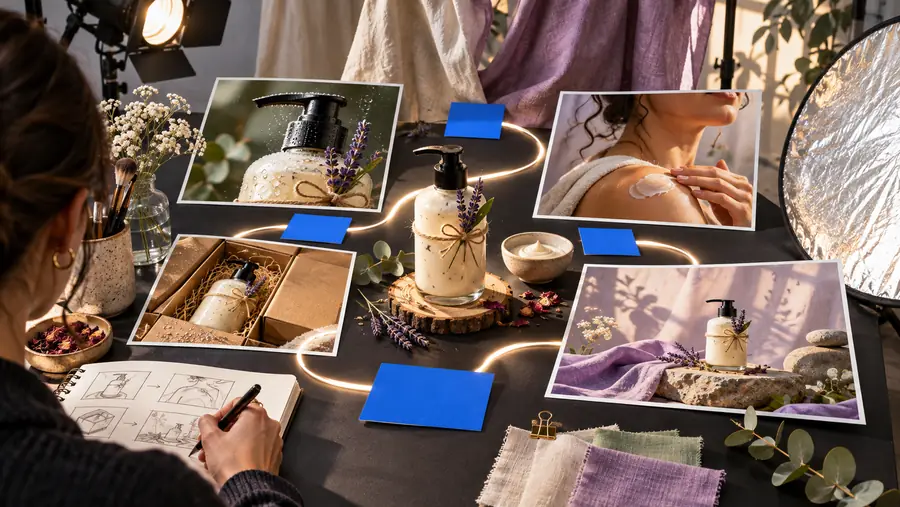

Review the result against the original job, not only against the prompt.
Practical uses
These examples show how to frame the task without treating the image route as a substitute for every type of project.
A campaign needs a visual concept for a launch, seasonal message, or product story.
The team can begin with one defined image job before deciding whether more connected assets are needed.
runable ai presentationAn article or landing page needs a supporting visual with a specific mood, subject, and amount of negative space.
A placement-aware brief gives the first concept a clearer review standard.
runable ai presentationA new feature needs a visual concept for an announcement, internal review, or early direction-setting exercise.
The team can test the visual language before expanding the work into a broader project.
runable ai presentationA designer, strategist, or writer needs to communicate a visual intention before production begins.
A concrete prompt creates a shared starting point while leaving room for human judgment and refinement.
runable ai presentationReady to begin
Start with the image’s job, describe the visible choices that matter, and let Runable take the first pass. You can then judge the direction against the intended audience, placement, and message.
Common questions
A few direct answers for people arriving with an image-focused Runable question.
It is an image-focused entry point for starting a visual task with Runable. The route is designed to help you describe one image need clearly before you decide whether the work should expand into a broader project.
Include the subject, setting, intended use, composition, lighting, color direction, and mood. If a detail is especially important, state it directly instead of assuming the tool will infer it from a short phrase.
No. It can also be a starting point for visual concepts, editorial directions, product scenes, or early creative exploration. The useful test is whether the immediate task is centered on one image rather than a connected set of pages or slides.
Choose a broader route when the result depends on structure across multiple outputs, such as a presentation, website, or larger experience. An image-first brief is most useful when one visual direction is the immediate decision.